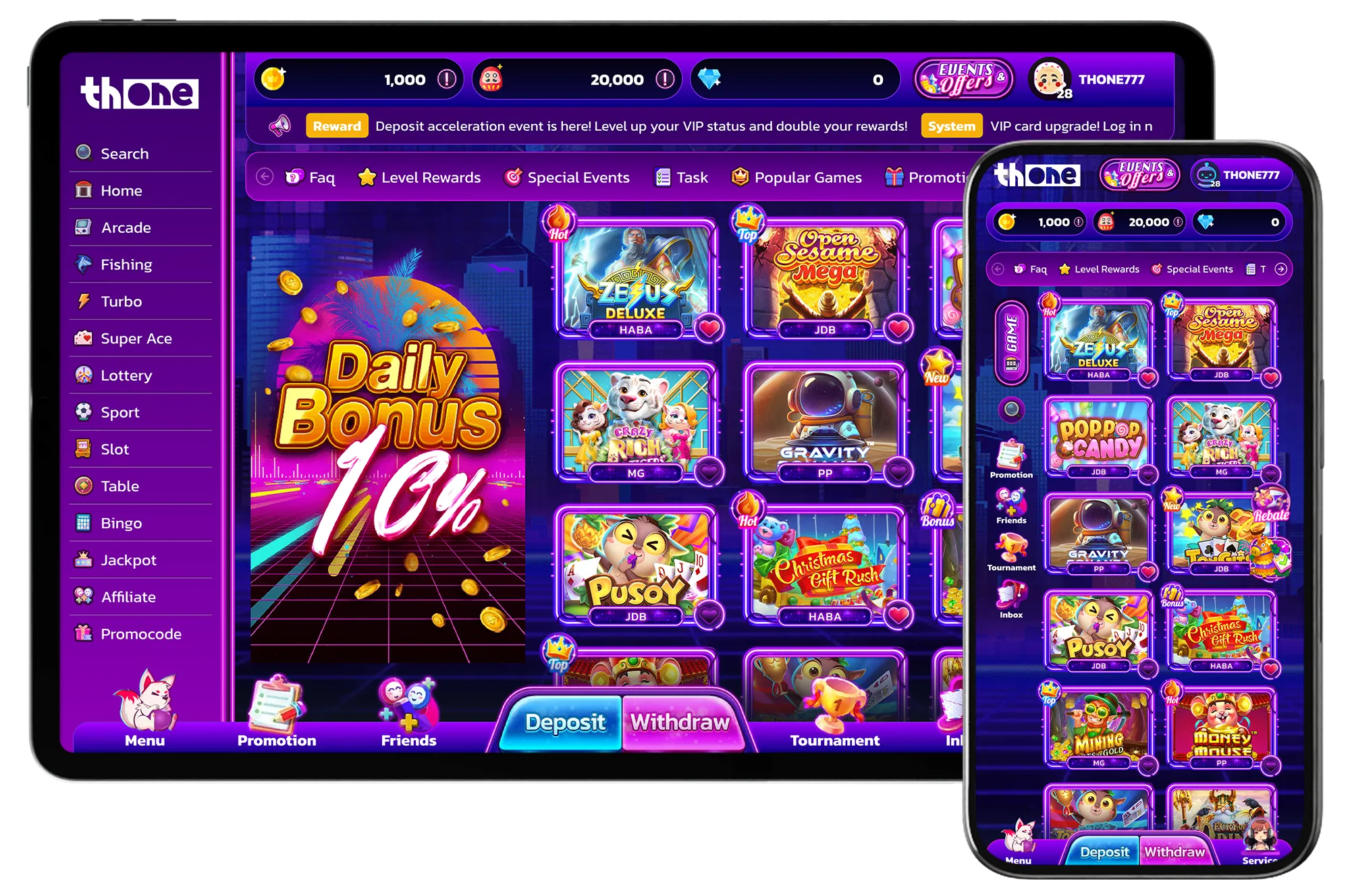
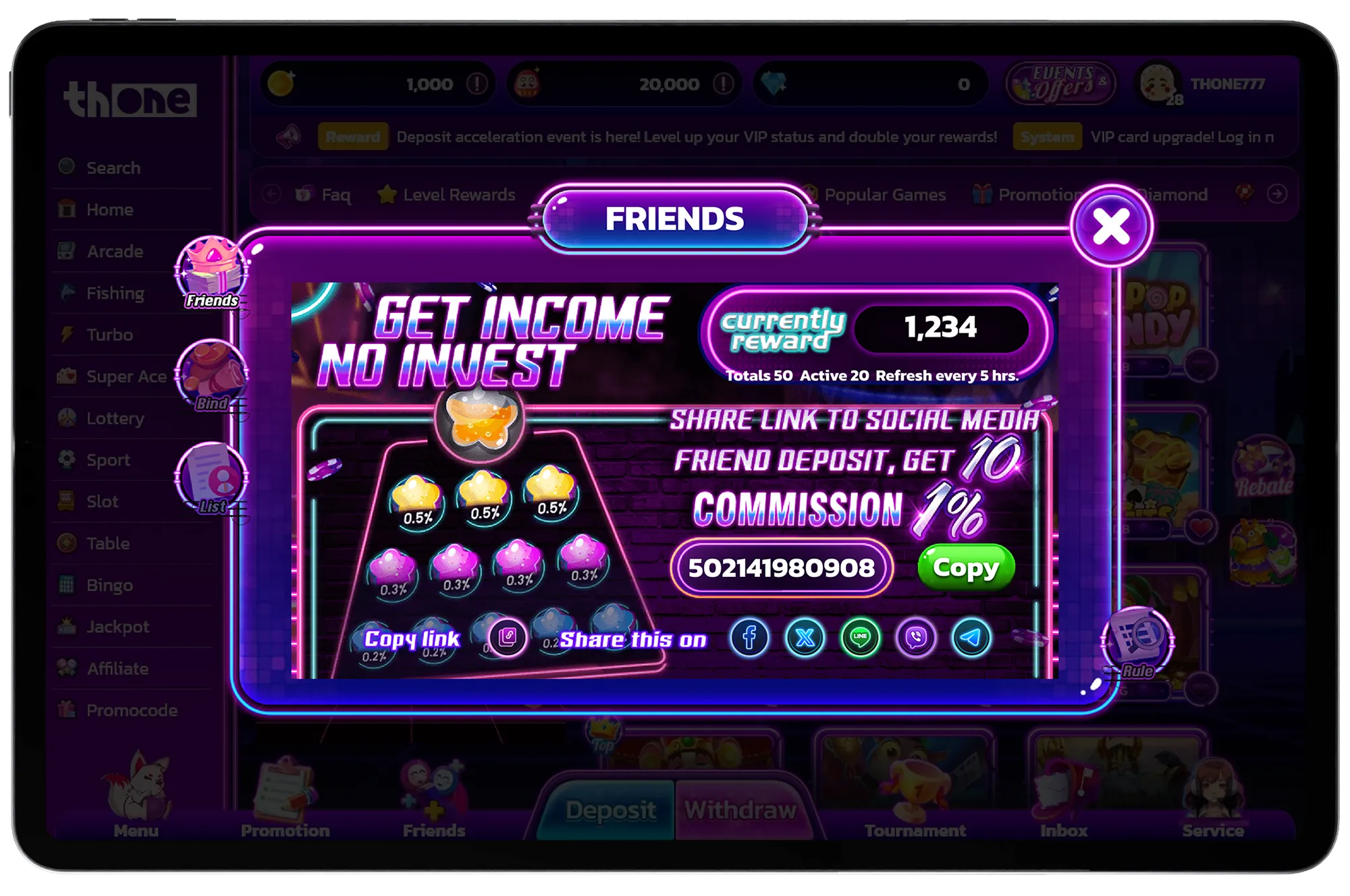
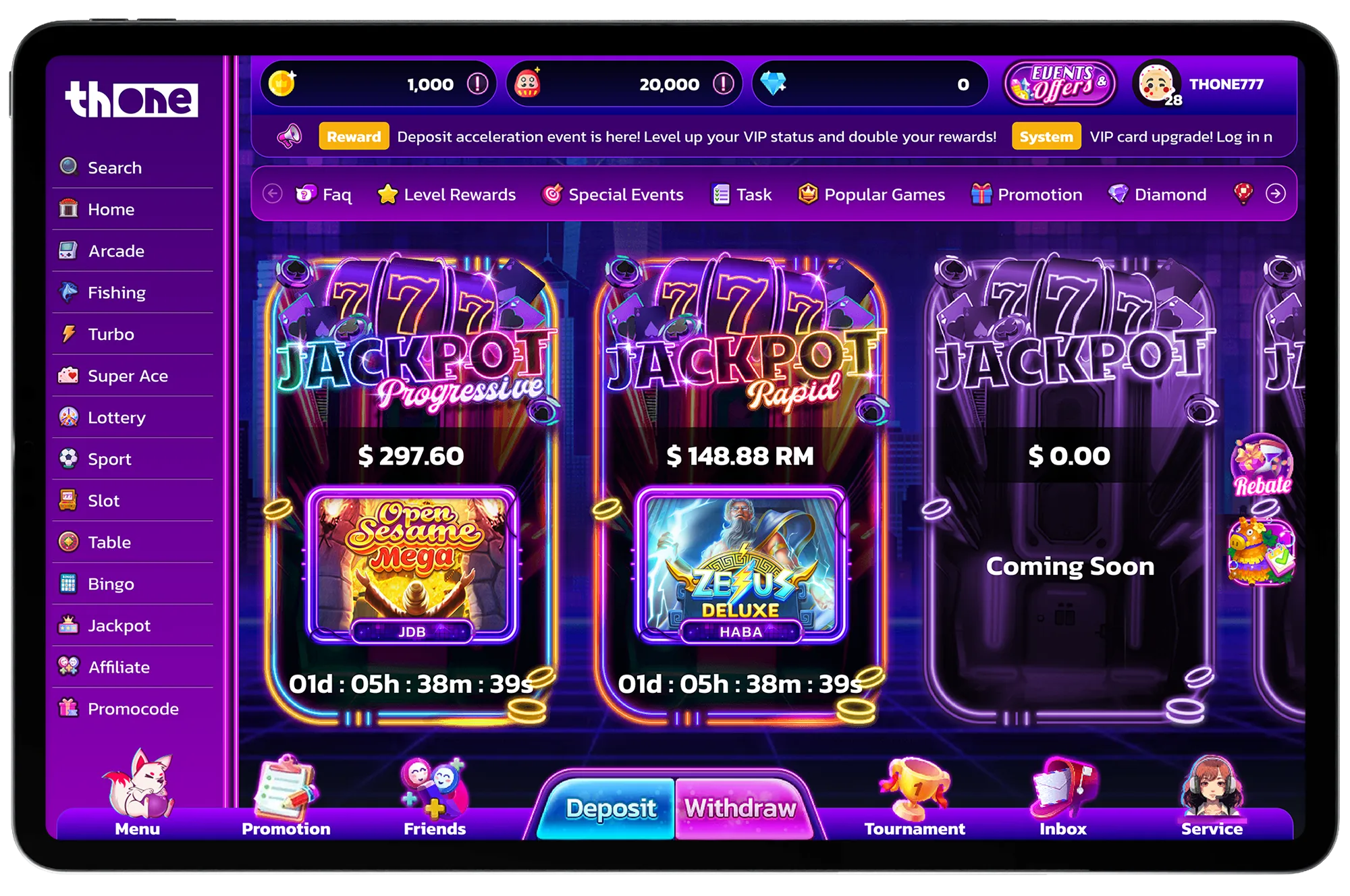
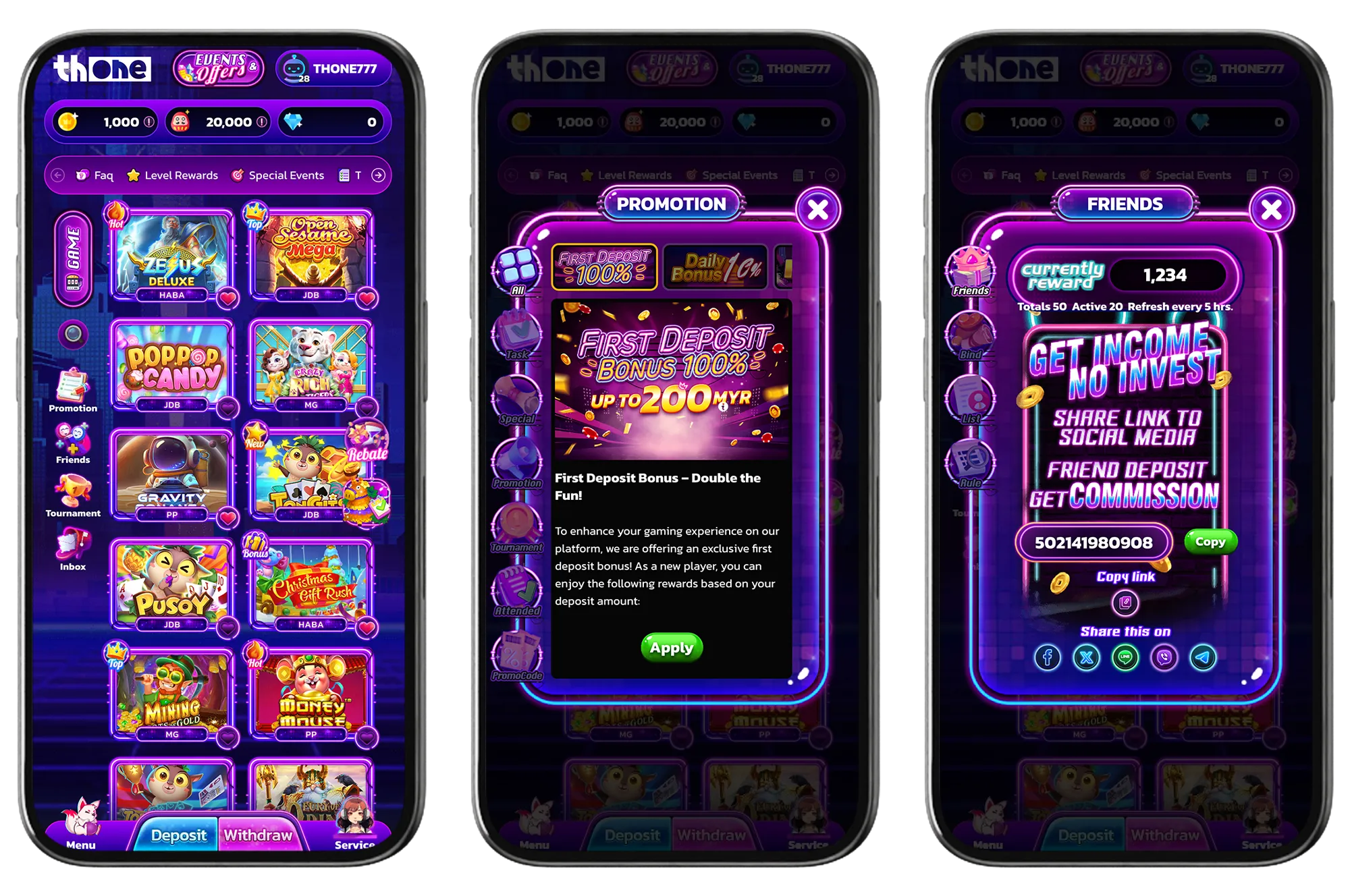
One visual direction within the TH1GAMES platform
The Template library helps teams compare interface directions before a project is scoped. Retro demonstrates one possible presentation layer for the TH1GAMES platform; the more important decision is how branding, content, navigation and integrations should support the target market and operating workflow.
What this preview helps you evaluate
- How a neon-purple visual system handles dense game and promotional content.
- How desktop sidebar and category navigation translate into mobile bottom navigation.
- Whether the lobby, login, missions, friends, jackpot, VIP and account previews feel like one coherent interface.
What the preview does not decide
- Which screens and platform modules belong in the delivered scope.
- Which languages, currencies and content categories are required.
- Which provider, account, promotion and project-specific integrations are available.
How TH1GAMES scopes the project
Screenshots make design expectations concrete, but trust comes from confirming what will actually be delivered. During project review, TH1GAMES maps the chosen visual direction to target markets, devices, required languages and currencies, content mix, account and promotional flows, and integration constraints. The agreed scope—not the demo artwork—defines the project.
Prepare for a useful platform discussion
- Identify the target market and primary device mix.
- List required languages, currencies and content categories.
- Share the preferred brand direction, essential workflows and integration requirements.
If Retro is not the right visual direction, compare the wider template library. The platform and delivery review remain the same.